
PHP Basics – Variables, Data Types & Operators
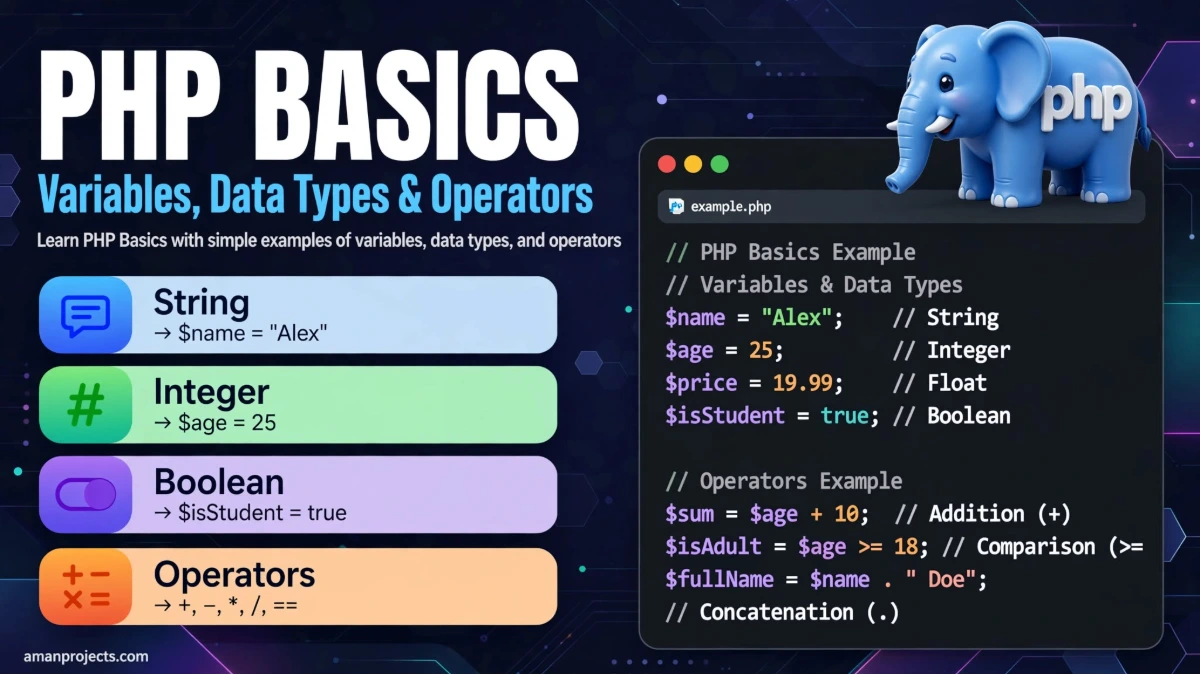
PHP Basics – Variables, Data Types & Operators
If you are starting your journey with PHP, three concepts you should understand first are variables, data types, and operators. These are the building blocks of almost every PHP application.
Whether you want to create a simple website, work with forms and databases, or eventually learn a PHP framework like Laravel, having a clear understanding of these basics will make everything easier.
In this guide, we will understand PHP variables, data types, and operators with simple examples.
What Is PHP?
PHP is a popular server-side scripting language mainly used for web development. It can be used to create dynamic websites, process forms, communicate with databases, manage sessions, and build complete web applications.
One reason PHP is beginner-friendly is its simple syntax.
A basic PHP program looks like this:
<?php

echo "Hello, World!";

?>
The echo statement is commonly used to display output in PHP.
What Are Variables in PHP?
A variable is used to store information that your program can use later.
In PHP, a variable starts with the dollar sign ($).
For example:
<?php

$name = "Aman";
$age = 22;

echo $name;
echo $age;

?>
Here:
$namestores a name.$agestores an age.echodisplays their values.
You don't need to separately declare the variable type before using it. PHP automatically determines the type from the value assigned to the variable.
PHP Variable Naming Rules
There are a few basic rules to remember:
A variable must start with
$.The first character after
$must be a letter or underscore.A variable cannot start with a number.
Variable names are case-sensitive.
Spaces are not allowed in variable names.
For example:
$name = "Aman";
$user_name = "Developer";
$age2 = 25;
These are valid variable names.
This one is not:
$2name = "Aman";
PHP Data Types
A data type tells PHP what kind of value a variable contains.
PHP supports several commonly used data types.
1. String
A string contains text.
$name = "Aman";
$message = "Welcome to PHP";
Strings are usually written inside single or double quotation marks.
2. Integer
An integer is a whole number without a decimal point.
$age = 25;
$students = 100;
3. Float
A float is a number containing a decimal value.
$price = 99.99;
$rating = 4.5;
4. Boolean
A Boolean can have only two values:
$isLoggedIn = true;
$isAdmin = false;
Boolean values are useful when working with conditions.
5. Array
An array allows you to store multiple values in a single variable.
$colors = ["Red", "Green", "Blue"];

echo $colors[0];
The first item has index 0, so the above example displays:
Red
6. NULL
NULL represents a variable with no value.
$user = null;
It is commonly used when a value is intentionally empty or unavailable.
7. Object
Objects are created from classes and are widely used in larger PHP applications and frameworks such as Laravel.
A simple example:
class User
{
    public $name = "Aman";
}

$user = new User();

echo $user->name;
PHP Operators
Operators are symbols or keywords that allow us to perform operations on values and variables.
For example, if you want to add two numbers, you can use the + operator.
$a = 10;
$b = 5;

$result = $a + $b;

echo $result;
Output:
15
Let's look at the most commonly used PHP operators.
Arithmetic Operators
Arithmetic operators are used for mathematical calculations.
OperatorMeaningExample+Addition$a + $b-Subtraction$a - $b*Multiplication$a * $b/Division$a / $b%Modulus$a % $b**Exponentiation$a ** $bExample:
$a = 20;
$b = 6;

echo $a + $b;
echo $a - $b;
echo $a * $b;
echo $a / $b;
echo $a % $b;
Assignment Operators
Assignment operators are used to assign or update values.
The most basic assignment operator is =.
$name = "Aman";
PHP also provides shortcuts such as:
$count = 10;

$count += 5;
$count -= 2;
$count *= 2;
These operators make it easier to update existing values.
Comparison Operators
Comparison operators are used to compare two values.
Some commonly used comparison operators are:
$a == $b
$a === $b
$a != $b
$a !== $b
$a > $b
$a < $b
$a >= $b
$a <= $b
For example:
$age = 18;

if ($age >= 18) {
    echo "You are eligible.";
}
Here, >= checks whether the age is greater than or equal to 18.
== vs ===
This is an important concept for PHP beginners.
== compares values after type conversion when necessary, while === compares both value and type.
$a = 10;
$b = "10";

var_dump($a == $b);
var_dump($a === $b);
The first comparison can be true because the values are equivalent after type juggling, while the second is false because one value is an integer and the other is a string.
In many situations, using === helps you make comparisons more predictable.
Logical Operators
Logical operators are useful when you need to combine multiple conditions.
Common logical operators include:
&&
||
!
For example:
$age = 25;
$hasId = true;

if ($age >= 18 && $hasId) {
    echo "Access granted.";
}
Here, both conditions must be true because && means AND.
Increment and Decrement Operators
These operators are used to increase or decrease a value by one.
$count = 5;

$count++;
echo $count;
Output:
6
Similarly:
$count--;
decreases the value by one.
A Simple PHP Example
Now let's combine variables, data types, and operators in one small example.
<?php

$name = "Aman";
$age = 22;
$experience = 2;

$totalAge = $age + $experience;

echo "Name: " . $name . "<br>";
echo "Age: " . $age . "<br>";
echo "Age after " . $experience . " years: " . $totalAge;

?>
This example uses:
String variable:
$nameInteger variables:
$ageand$experienceArithmetic operator:
+Concatenation operator:
.echofor displaying output
Understanding small examples like this is a great way to become comfortable with PHP syntax.
Common Beginner Mistakes in PHP
When starting PHP, beginners often make small syntax mistakes. Some common ones include:
Forgetting the $
Incorrect:
name = "Aman";
Correct:
$name = "Aman";
Forgetting the semicolon
Incorrect:
$name = "Aman"
Correct:
$name = "Aman";
Using the wrong comparison operator
Be careful when deciding between == and ===. They don't behave the same way.
Confusing strings and numbers
For example:
$age = "25";
Here 25 is stored as a string, not explicitly as an integer.
Understanding data types becomes increasingly important as your applications become more complex.
Why These PHP Basics Matter
Variables, data types, and operators may look simple, but they appear everywhere in real-world PHP development.
You will use them when:
Processing HTML forms
Validating user input
Working with databases
Creating login systems
Building APIs
Performing calculations
Writing conditions
Developing Laravel applications
Creating dynamic web pages
Once these concepts become comfortable, moving toward functions, arrays, loops, conditions, forms, databases, and object-oriented programming becomes much easier.
Conclusion
Variables, data types, and operators are the foundation of PHP programming.
Variables allow you to store information, data types define what kind of information you are working with, and operators allow you to perform calculations, comparisons, and logical operations.
Don't try to memorize everything in one sitting. The better approach is to write small PHP programs and experiment with different values. A few minutes of hands-on coding can teach you much more than simply reading syntax.
Once you are comfortable with these fundamentals, you can move on to PHP conditions, loops, functions, arrays, forms, and database connectivity and start building real-world applications.
Frequently Asked Questions
Is PHP easy for beginners?
Yes. PHP has a relatively straightforward syntax and is widely used for web development, making it a practical language for beginners.
What is a variable in PHP?
A variable is a named storage location used to hold a value. PHP variables start with the $ symbol.
What are PHP data types?
PHP data types define the kind of value being stored, such as strings, integers, floats, Booleans, arrays, objects, and NULL.
What are operators in PHP?
Operators are symbols or keywords used to perform operations such as addition, subtraction, comparison, assignment, and logical evaluation.
What should I learn after PHP basics?
After learning variables, data types, and operators, a good next step is to learn conditions, loops, functions, arrays, forms, and MySQL/database connectivity.